Understanding TradingView and Its Core Features
In the world of trading, having the right tools can make all the difference in achieving success. TradingView has emerged as a leading platform for traders across various markets, from stocks to cryptocurrencies. This comprehensive platform combines powerful charting capabilities, advanced analytical tools, and an active community, making it a must-have resource for both novice and experienced traders alike. By streamlining the research process, TradingView allows users to focus on strategy development and execution, enhancing their overall trading experience.
What is TradingView?
TradingView is a cloud-based analytics platform that provides real-time data and insights across multiple asset classes, including stocks, forex, cryptocurrencies, and commodities. It offers a user-friendly interface that simplifies complex market data while enabling traders to identify trends and make informed decisions. With features like customizable charts, technical indicators, and social networking capabilities, TradingView fosters collaboration, education, and strategy sharing among traders worldwide.
Key Features of TradingView for Traders
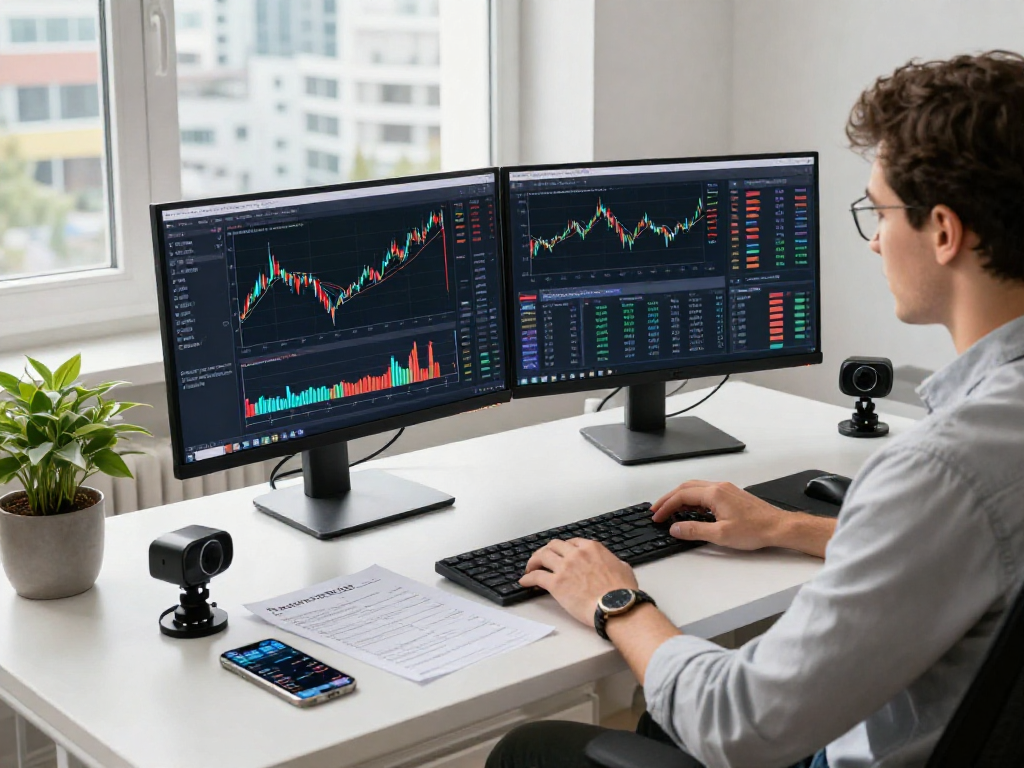
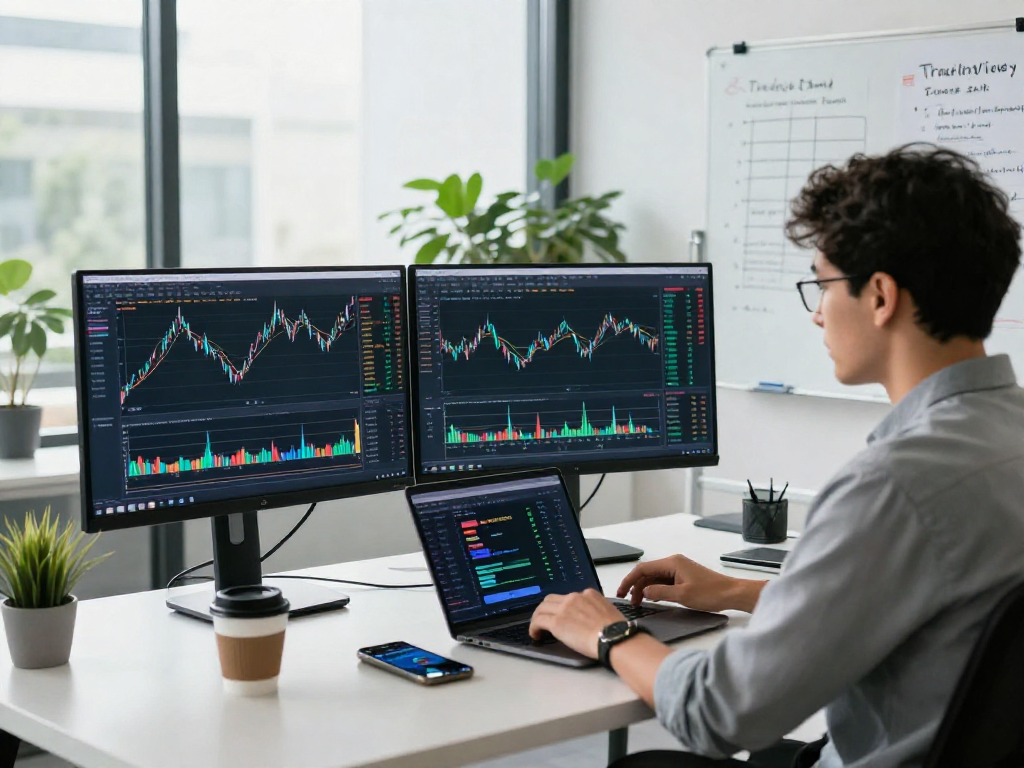
- Advanced Charting Tools: TradingView's charting tools allow users to visualize market data effectively. They can customize their charts with indicators, trend lines, and patterns to better analyze market movements.
- Custom Alerts: The platform enables users to set up personalized alerts for price movements, technical indicators, and specific market events, ensuring they never miss critical trading opportunities.
- Access to Economic Calendars: TradingView integrates economic data and news feeds, allowing traders to stay informed of market-moving events that could impact their strategies.
- Community Insights: Traders can connect with a global community to share research, insights, and strategies, which can enhance their market understanding and improve their trading effectiveness.
Setting Up Your TradingView Workspace
Creating a personalized workspace within TradingView is essential for optimizing your trading experience. Users can customize their dashboard by adding various widgets such as charts, economic calendars, and news feeds. Here’s how you can set up your TradingView workspace:
- Create an Account: Start by signing up for a TradingView account, which is free for basic use. The platform also offers premium subscriptions with additional features.
- Select Your Markets: Depending on your trading interests, you can select specific markets to follow, such as stocks, forex, or cryptocurrencies.
- Add Charts and Tools: Use the drag-and-drop interface to arrange your charts and tools. You can add multiple chart layouts, indicators, and watchlists.
- Customize Alerts: Set alerts for price movements or indicator changes directly on your charts to stay updated without constantly monitoring the markets.
Developing Your Trading Strategy with TradingView
Developing a robust trading strategy is crucial for achieving consistent results in the financial markets. TradingView provides numerous tools to help traders refine their strategies based on historical data and real-time insights.
Using Indicator Tools and Chart Patterns
TradingView is equipped with a comprehensive library of technical indicators and chart patterns. Traders can apply moving averages, Bollinger Bands, MACD, RSI, and more to their charts to identify potential trade setups. Understanding how to use these indicators effectively can greatly enhance your market analysis.
Creating Custom Alerts for Market Movements
Setting up custom alerts enables traders to react promptly to market changes. TradingView allows users to create alerts based on specific conditions, such as price levels being reached or indicator signals being triggered. This feature is particularly useful for traders who cannot monitor the markets constantly.
Backtesting with TradingView's Strategy Tester
The Strategy Tester feature in TradingView allows traders to backtest their trading strategies against historical data. By simulating trades based on past market conditions, users can evaluate the effectiveness of their strategies and make necessary adjustments before deploying them in real-time trading.
Effective Market Research with TradingView
Conducting thorough market research is vital for informed trading decisions. TradingView offers several features designed to enhance your market research capabilities.
Utilizing Screener and Heatmap Features
The stock screener on TradingView helps traders filter stocks based on various criteria such as performance, market cap, and technical indicators. The heatmap feature visually displays market performance, allowing traders to quickly identify winning or losing sectors within the market.
Integrating Economic Calendars and News Feeds
Being aware of upcoming economic events is crucial for traders. TradingView integrates economic calendars and news feeds, providing users with timely updates on events that may impact market volatility. By keeping an eye on these events, traders can better plan their strategies around potential market movements.
Collaborating in the TradingView Community
One of the standout features of TradingView is its community aspect. Users can share analyses, insights, and trading ideas with one another. Engaging with fellow traders enables users to learn new techniques and gain perspectives from various trading styles, which can significantly enhance their trading strategies.
Advanced Techniques for Optimizing Trading Strategies
Once traders have established a fundamental understanding of TradingView, they can explore advanced techniques to further refine their strategies.
Automating Trades with Pine Script
Pine Script is TradingView’s proprietary scripting language that allows traders to create custom technical indicators and alerts. By automating trades, users can enhance their strategies and minimize emotions that often accompany trading decisions. Utilizing Pine Script can significantly improve efficiency and precision in executing trades.
Using Multiple Layouts and Supercharts
With the ability to set up multiple chart layouts, traders can analyze different market conditions simultaneously. Supercharts allows traders to view multiple assets on one screen, offering a broader market perspective and facilitating better-informed trading decisions.
Implementing Risk Management Strategies
Effective risk management is critical in trading. TradingView’s features, such as position size calculators and risk-reward ratio tools, assist traders in establishing sound risk management protocols. By incorporating these tools, traders can protect their capital and optimize their trading performance.
Future Trends in Trading and TradingView Innovations
The trading landscape is continually evolving, with new technologies and tools emerging to support traders. As we look towards 2026, several trends are expected to shape the future of trading and influence TradingView's development.
Emerging Tools and Features to Watch in 2026
Investing in artificial intelligence and machine learning is set to revolutionize trading. Anticipated advancements may include enhanced predictive analytics, smart assistants for trading strategy development, and improved data visualization tools that provide deeper market insights.
Predictions for TradingView's Evolution
As traders increasingly demand seamless experiences across devices, TradingView is expected to enhance its mobile capabilities. Improved synchronization between desktop and mobile interfaces will cater to the growing trend of mobile trading.
Preparing for Market Shifts and Volatility
With the ever-changing market dynamics, it is essential for traders to remain adaptable. TradingView’s robust analytics will continue to help traders respond swiftly to market shifts, ensuring they can capitalize on new opportunities as they arise.
What makes TradingView unique among trading platforms?
TradingView sets itself apart with its comprehensive features, user-friendly interface, and active community. Unlike other platforms that may limit functionality, TradingView integrates key trading tools into one cohesive platform, enhancing the overall trading experience.
How can I effectively use alerts in TradingView?
To maximize the benefits of alerts, traders should set clear parameters based on their trading plans. By customizing alerts for specific price levels or technical indicators, traders can stay informed about market transitions without constant monitoring.
What are the benefits of using TradingView’s community resources?
The TradingView community offers diverse insights and strategies that can provide traders with different perspectives. Engaging in discussions and sharing strategies can lead to improved decision-making and enhanced trading results.
How does backtesting work in TradingView?
Backtesting in TradingView allows users to evaluate their trading strategies against historical price data, enabling them to assess potential performance before risking capital in live markets. This process is essential for refining strategies and boosting confidence in trading decisions.
What strategies improve trading success on TradingView?
Combining technical analysis with sound risk management and ongoing education is critical for trading success. Utilizing TradingView’s tools to analyze market trends, backtest strategies, and engage with the community can significantly enhance a trader's effectiveness.