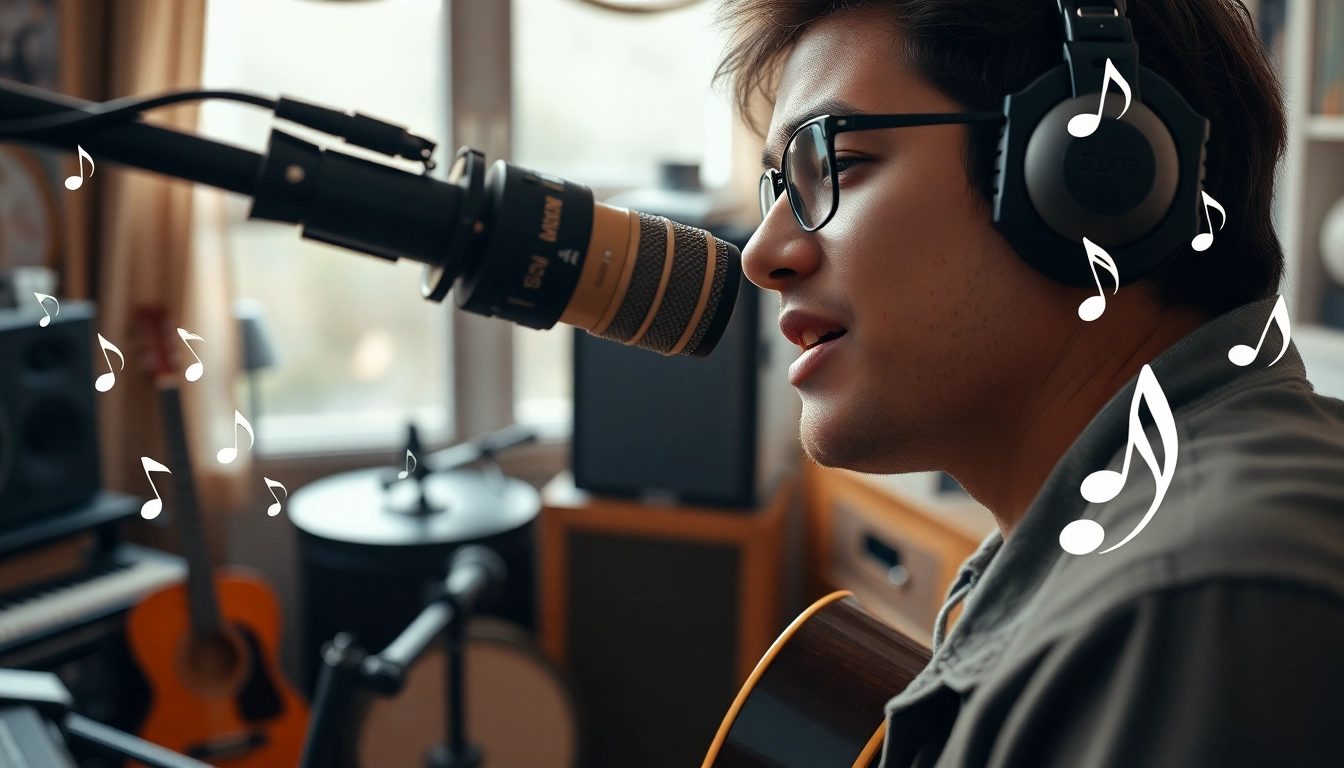
Understanding the MV88 Microphone
Overview of Features and Specifications
The MV88 microphone by Shure is a compact, high-quality microphone specifically designed for use with Apple iOS devices. This versatile tool opens up a range of possibilities for musicians, podcasters, and content creators. One of its standout features is the ability to capture audio in stereo, which contributes to its clarity and richness. The MV88 boasts a frequency response range of 20Hz to 20kHz, meaning it can capture the full range of sounds that the human ear can perceive. It also includes a built-in headphone output for real-time monitoring, ensuring users can catch issues during recording without delay.
Another significant feature is its adjustable stereo width and five DSP preset modes tailored for different recording environments—such as vocals, acoustic instruments, loud sounds, flat response, and speech. This functionality enables users to fine-tune their audio capture according to their specific needs, greatly enhancing the quality of recordings. Design-wise, the MV88 is compact and lightweight, making it an ideal travel companion for musicians and podcasters on the go.
Benefits of Using the MV88 for Musicians
The MV88 microphone offers musicians numerous advantages, especially for live performances and studio recordings. One of the key benefits is its ability to adapt to different acoustic environments through its built-in DSP presets. Whether recording a solo performance, a rock band, or a classic duet, users can switch modes to enhance sound quality.
Furthermore, because the MV88 connects directly to iPhones and iPads via a lightning connector, it minimizes the need for extra cables and adapters, simplifying the recording process. Musicians can use their mobile devices to manage recordings, making it easier to edit and share their work promptly. This feature is particularly useful when collaborating with other artists remotely or sharing demos instantly for feedback.
Moreover, as the industry moves towards more digital solutions, the MV88’s compatibility with various recording applications—such as GarageBand and Audacity—ensures that musicians have all the tools needed for polished, professional sound.
Comparative Analysis with Other Microphones
When evaluating the MV88 against other portable microphones on the market, several distinctions arise. For instance, the Rode VideoMic Me L and the Zoom iQ7 are popular alternatives. While both provide quality sound, the MV88’s DSP presets set it apart, offering more customization during recording.
The Rode VideoMic Me L focuses primarily on vocal capture, which is excellent for speech or vlog-style content but lacks the versatility required for varied musical performances. Conversely, the Zoom iQ7 supports XY stereo recording but does not match the MV88’s advanced features, such as direct monitoring options and user-friendly iOS app integration.
Ultimately, the MV88’s combination of portability, ease of use, and superior audio quality makes it a strong choice for any musician or content creator looking to elevate their recordings.
Setting Up the MV88 for Optimal Performance
Getting Started with Your MV88
To begin using the MV88, one must first ensure that their iOS device meets the necessary system requirements. Once confirmed, users should follow these initial steps for setup:
- Connect the MV88 to the lightning port of your iPhone or iPad.
- Launch the ShurePlus MOTIV app, which is designed specifically for the MV88.
- Select the desired DSP preset mode based on your recording environment.
- Adjust the stereo width and gain settings properly to ensure optimal sound capture.
- Use the built-in headphone output to monitor your audio in real-time.
Having set everything up, it’s beneficial to conduct a brief test recording to make sure everything is functioning correctly and the sound quality meets your expectations.
Essential Accessories for Improved Functionality
To enhance the MV88 user experience, several accessories can be beneficial. One essential accessory is a high-quality windscreen, especially important for outdoor recordings where wind noise can be a significant issue. A sturdy tripod is also a good investment; it stabilizes the microphone, allowing for professional-quality recordings without unwanted handling noise.
Additionally, portable audio interfaces can further expand functionality, enabling users to connect other instruments and microphones. When recording in crowded or noisy environments, a pop filter or shock mount is also recommended to mitigate unwanted sound disturbances. Together, these accessories contribute to a more professional and polished recording experience.
Troubleshooting Common Setup Issues
While the MV88 is designed for seamless integration with iOS devices, users may encounter occasional setup challenges. Here's a list of common issues and solutions:
- Device Recognition Problems: Ensure that your device's software is up to date. Restarting the device can also resolve connectivity issues.
- Adequate Power Supply: Check if your iPhone or iPad has sufficient battery life, as low power can affect microphone performance.
- Poor Sound Quality: This can occur due to incorrect DSP settings or physical obstructions. Re-evaluating microphone placement is crucial in these instances.
By being proactive in troubleshooting, most users can quickly resolve any technical difficulties and focus on achieving high-quality recordings.
Recording Techniques with the MV88
Best Practices for Vocal Recording
Vocal recordings represent one of the most significant use cases for the MV88. To achieve the best sound, here are some best practices:
- Position the microphone about 6 to 12 inches away from the singer's mouth. This distance helps avoid capturing too much ambient noise while still receiving a warm and clear vocal tone.
- Use the 'Vocal' DSP preset to enhance clarity and presence. Depending on the singer’s style, additional adjustments in gain settings may be required.
- Encourage performers to warm up before recording to ensure their best vocal quality is captured.
Moreover, testing different placements and angles can provide a richer sound, so don’t hesitate to experiment until the desired quality is achieved.
Capturing Instrument Sounds Effectively
When recording instruments, the MV88 stands out due to its ability to capture detailed sounds, making it suitable for everything from acoustic guitar to drums. Here are strategies to enhance the recording process:
- For acoustic guitars, position the microphone near the 12th fret to capture the instrument’s full tonal quality. Adjust the angle to focus more on the body of the guitar for warmth.
- When recording percussive instruments like drums, experiment with different distances from the drums to gain a balanced mix while minimizing any overbearing qualities from the snare or kick.
- Using the 'Acoustic Instrument' DSP preset can optimize sound capture for stringed instruments or brass.
Utilizing these techniques can significantly improve the fidelity of instrument recordings, allowing musicians to achieve polished results.
Mixing Tips for Enhanced Audio Quality
After capturing audio, the mixing process becomes crucial in bringing recordings to life. Here are several tips to optimize audio during mixing:
- Always start with a balanced mix. Adjust volume levels of different tracks to ensure that no single element overshadows others.
- Utilize equalization (EQ) to eliminate muddy frequencies—typically between 200Hz to 500Hz—and enhance clarity in the vocal or instrument tracks.
- Add compression thoughtfully to even out volume levels without sacrificing dynamic range.
- Incorporate effects such as reverb or delay to create depth and space in your recordings while ensuring they do not overwhelm the original sound.
These mixing tips will enhance the audio quality, providing a polished finish to recordings that can stand out in a competitive space.
Real-World Applications of the MV88
Using the MV88 for Podcasting
The MV88's portable design and high-quality audio capture make it an excellent choice for podcasters. The ease with which the microphone connects to mobile devices allows for on-the-go interviews or live recordings at events. To achieve the best podcast episodes:
- Choose a quiet location to minimize background noise.
- Utilize the 'Speech' preset mode; it is optimized for spoken word and interviews, capturing clarity and detail.
- Consider using headphones for real-time monitoring, allowing for immediate feedback on audio quality.
By adhering to these standard practices, podcasters can maximize the MV88's potential, resulting in engaging, high-quality audio content for listeners.
Live Streaming and Its Impact on Engagement
The rise of live streaming has transformed how content is consumed, and using the MV88 during live broadcasts can significantly enhance audience engagement. High-quality audio can draw in viewers, creating a more immersive experience. Here are best practices:
- Ensure that the microphone is appropriately positioned to avoid picking up excessive ambient sounds.
- Utilize the 'Flat' DSP setting for the most transparent audio, especially important when there are multiple audio sources.
- Conduct a thorough pre-stream soundcheck to calibrate levels perfectly before going live.
By implementing these techniques, streamers can improve audio quality significantly, which positively influences viewer retention and overall experience.
Case Studies of Successful MV88 Users
Many content creators have leveraged the MV88 to enhance their work, showcasing its effectiveness across various industries. For instance, a prominent YouTube musician shared that the MV88 allowed for crisp audio during outdoor performances, which facilitated an authentic connection with viewers. Another podcaster reported that the microphone’s clarity led to positive feedback and an increase in listener base after switching from traditional recording setups.
These real-world examples highlight the microphone's flexibility and efficiency, providing tangible proof of its capabilities for potential users. Learning from their experiences can offer valuable insights for new users aiming for high-quality audio.
Advancing Your Skills with the MV88
Resources for Further Learning and Improvement
To fully leverage the MV88's potential, aspiring audio engineers and musicians can benefit from various online resources. Websites offering tutorials, forums, and online courses focus specifically on mobile audio recording techniques and post-production skills. For those new to audio engineering, investing time in learning the basics of recording and editing will yield significant benefits.
Moreover, exploring Shure's official resources or YouTube channel can provide unique insights into advanced microphone techniques, helping users improve their audio skills over time.
Participating in Online Communities
Joining online communities dedicated to audio recording and production can be immensely beneficial. Platforms such as Reddit, Facebook groups, and specialized forums allow users to connect with fellow MV88 enthusiasts. Here, they can share tips, seek advice, and provide feedback on one another's work. Engaging with these communities fosters growth through collaboration and shared knowledge.
Moreover, these forums are excellent for asking questions, troubleshooting problems, and discovering innovative techniques from experienced users.
Measuring Your Audio Success
Finally, tracking the progress and success of your audio recordings can help identify areas for improvement. Key performance indicators (KPIs) include listener engagement, feedback from peers, and ultimately, the quality of your recordings as judged by professional standards. Regular self-assessment against these benchmarks will assist in refining recording techniques over time.
Utilizing resources such as feedback forms from listeners or audience analytics can further refine content and delivery, ensuring the highest quality in future recordings.